$
[01] how it works

[02] core capabilities
Agents build the task graph
fp installs the planning skill into the project, so the agent can turn a feature request into a scoped task graph instead of an ad hoc todo list
FP

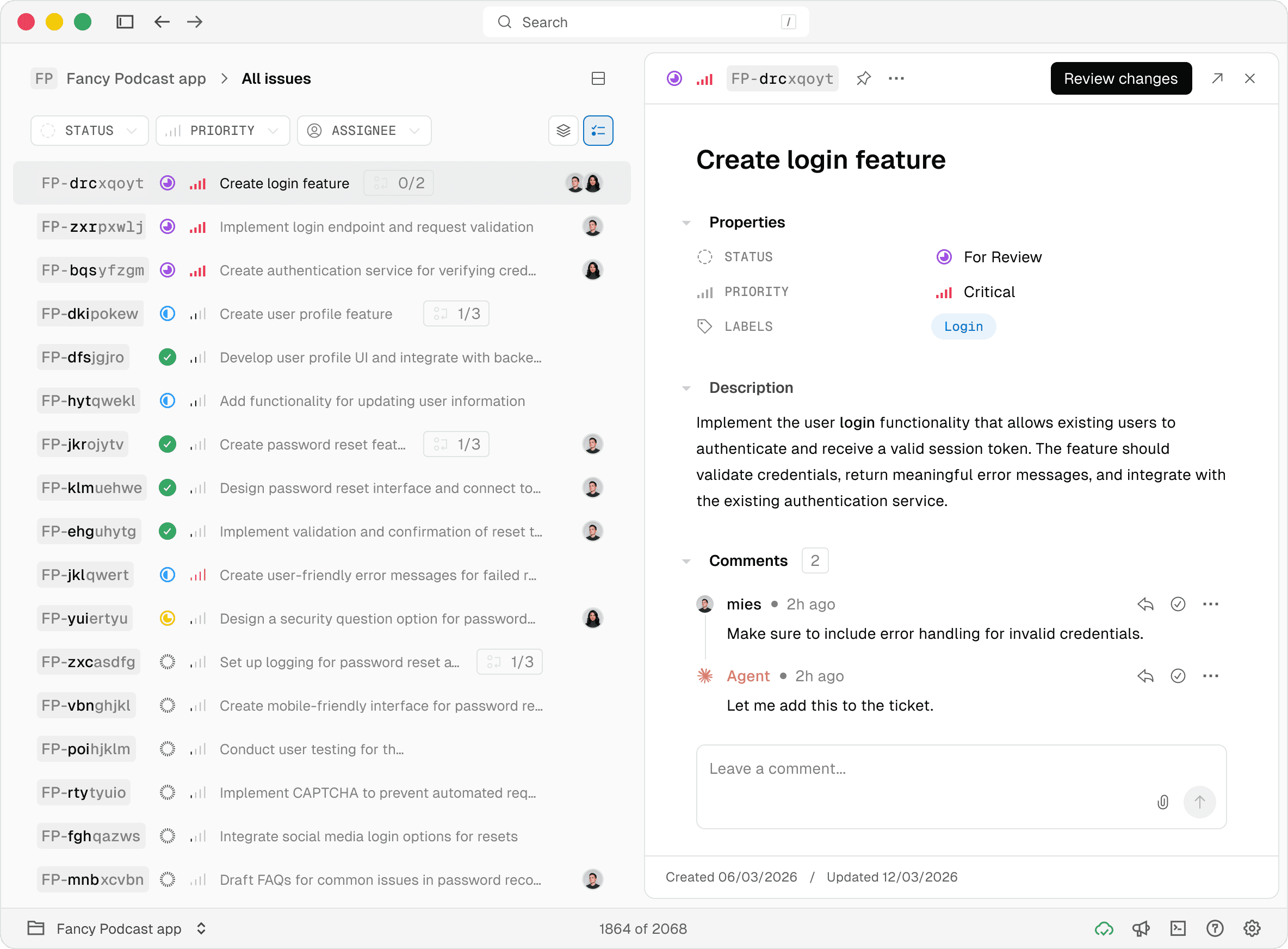
Tasks keep their context, progress, comments, and history together so a fresh session can pick up without a full re-brief
FP
-
hy
jwicn
Saved
Built for serious repos
Git, Jujutsu, and multi-worktree setups work without confusing project roots or losing track of code
Task graph is one shortcut away
The Mac app is a keyboard-first companion for browsing, triaging, and updating issues without leaving your editor
[03] SYNC
Everything starts in your repo. Link to fp and sync issues, context, and progress across machines, conflict-free.
Syncing...
FP
plans
[01] Ingestion
[02] Transformation
Tasks
Create login feature
Implement login endpoint and …
Create authentication service …
projects
MP
MainProject
89%
FA
FinanceApp
78%
RG
RestaurantGuide
60%
my-repo
[04] extensions
Lifecycle hooks
Send a notification to Slack. Sync with GitHub. Reject any task without acceptance criteria.
Issue updated
cursor Status
Completed
assignee

Lucy
environment
Production
Custom properties
Add fields like environment, labels, or estimate to any issue. Syncs like everything else.
.TS
Drop-in TypeScript
Write a .ts file, drop it in .fp/extensions/. No build step, no registry. Works in CLI and desktop.
[05] where agents fall short
Coding agents are great at shipping isolated tasks and bad at preserving structure. Context rots between sessions.
Work sprawls without boundaries. fp gives them a system developers can trust.
Scoped issues
Break work into small, well-defined units agents can complete reliably
Durable context
Keep decisions, notes, and history intact so nothing is lost between sessions
Visible progress
Task graph shows how your work connects and moves forward at a glance
Stay aligned anywhere
Across sessions, across machines, across your team